
Welcome to Mobile Travel Request Form. You can skip this short tutorial any time clicking Skip button on top of the screen.
Swipe left or click here to continue tutorial.

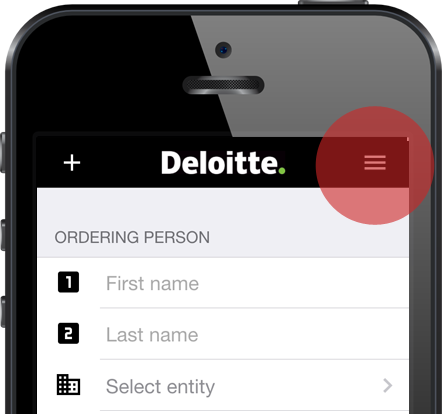
You can access main menu by clicking menu icon at top right corner of your screen. Main menu is always visible on wide screens.
Using this menu you can create blank request, send current request or replay this tutorial. Continue tutorial
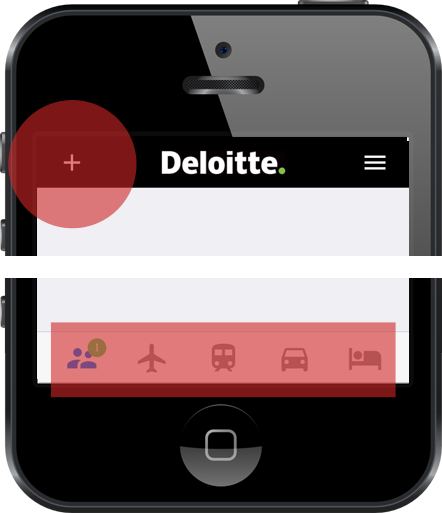
While filling your request, you can switch between different areas using bottom bar.
Use plus icon to add one or even more items in selected area.
Green badge indicates number of items in area. Continue tutorial
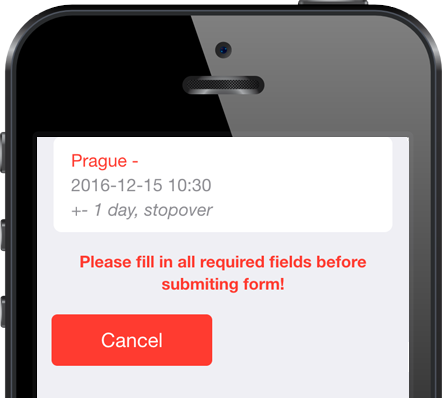
To finish your request, open menu icon and click at To request summary.
Application will check all data you entered and may require you to fill in missing ones. Continue tutorial
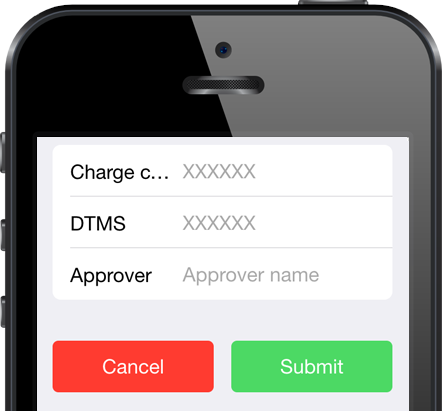
Final step is to enter charge code, SABA ID if applicable and name of your approver.
Click at submit button and look forward to your journey. Continue tutorial